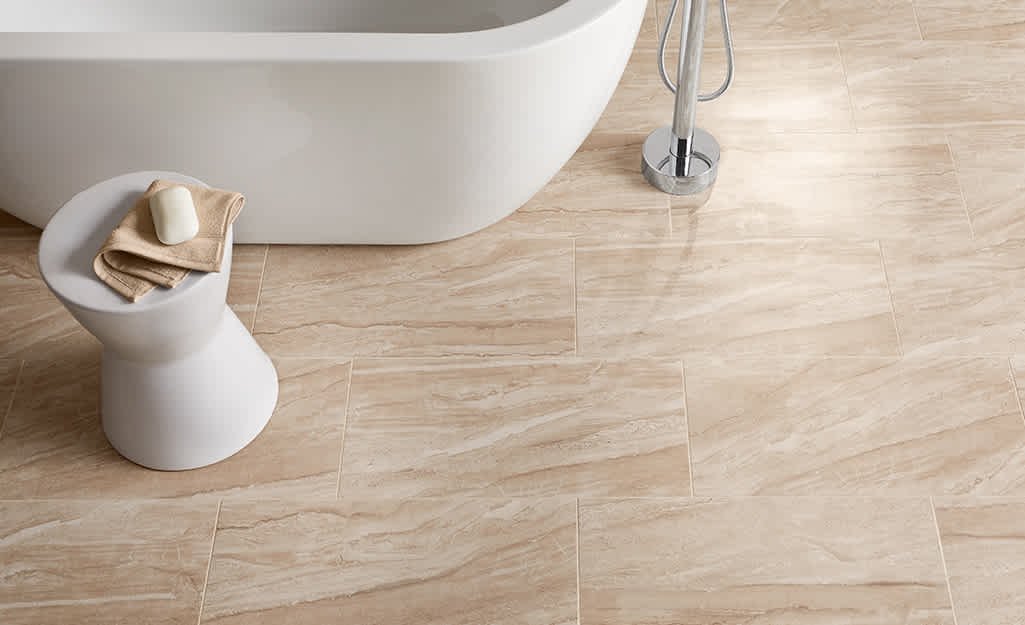
Choosing the right floor for your bathroom can be a challenge, especially when you want to visualize how different materials, colors, and patterns will look in your space. Bathroom flooring visualizer tools have become essential for homeowners and renovators, making it easier to preview flooring options before making a commitment. These digital solutions allow you to upload a photo of your bathroom or use sample images, then experiment with various flooring types, from classic tiles to modern vinyl planks.
With so many visualizer platforms available today, it’s important to understand their features, usability, and how they can help you make more confident design decisions. In this article, we’ll explore the top options, compare their strengths, and share tips for getting the most out of these interactive tools. If you’re also interested in a more comprehensive overview of flooring choices, the Bathroom flooring buyer’s guide offers in-depth advice on materials, durability, and installation.
How Digital Visualization Enhances Bathroom Flooring Selection
Before the rise of online visualization, selecting a bathroom floor often meant relying on small samples or imagining how a style might look based on catalog photos. This approach left plenty of room for uncertainty. Today’s bathroom flooring visualizer tools bridge that gap by letting you see real-time previews of flooring in your own space.
- Personalization: Upload a photo of your bathroom for a tailored experience.
- Wide Selection: Experiment with hundreds of flooring options, including tiles, vinyl, laminate, and more.
- Instant Comparison: Quickly switch between colors, patterns, and materials to compare looks side by side.
- Confidence: Reduce the risk of costly mistakes by previewing the result before purchase or installation.
These benefits make digital visualization a valuable step in any bathroom renovation or refresh project.
Top Platforms for Visualizing Bathroom Flooring
Several brands and retailers now offer interactive tools designed specifically for bathroom floors. Here’s a closer look at some of the most popular solutions and what sets them apart.
1. Floor & Decor’s Room Visualizer
Floor & Decor provides a user-friendly visualizer that lets you upload your own bathroom photo or use a sample room. Their platform supports a wide range of flooring types, including porcelain tile, luxury vinyl, and natural stone. The drag-and-drop interface is intuitive, and you can easily adjust the orientation and pattern of the flooring for a realistic preview.
2. Home Depot’s Flooring Visualizer
Home Depot’s tool covers a broad selection of bathroom flooring, from classic ceramic tiles to waterproof vinyl planks. You can filter by color, material, and price, making it easy to narrow down your choices. The tool also provides links to product details and reviews, streamlining the shopping process.
3. Armstrong Flooring’s Design a Room
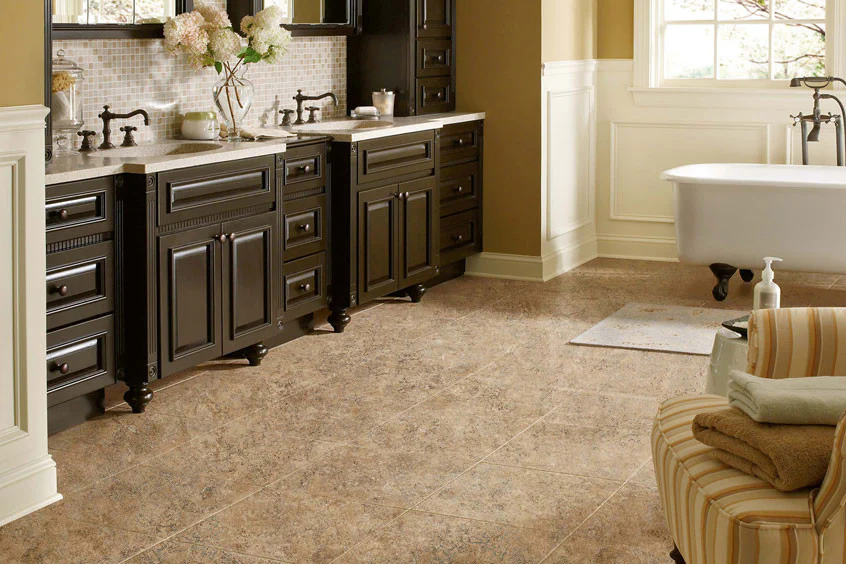
Armstrong’s platform stands out for its detailed customization. You can select wall colors, cabinetry, and even lighting to see how different flooring options will look in a fully personalized bathroom setting. This holistic approach helps ensure your flooring choice complements the rest of your design.
Comparing Features: What to Look for in a Flooring Visualizer
Not all digital tools are created equal. When evaluating which platform to use for your bathroom project, consider the following features:
- Ease of Use: The best visualizers are intuitive, with clear instructions and fast image processing.
- Photo Upload Capability: Being able to use a photo of your actual bathroom provides the most accurate preview.
- Product Range: Look for platforms that offer a wide variety of flooring types and brands.
- Customization: Some tools allow you to change wall colors, fixtures, and lighting for a more comprehensive visualization.
- Mobile Compatibility: Responsive design ensures you can use the tool on your phone or tablet, which is convenient for in-store browsing.
For those interested in exploring cost-effective options, the most affordable bathroom flooring guide highlights budget-friendly materials that can be previewed with many of these visualization tools.
Tips for Making the Most of Visualization Platforms
To get the best results from bathroom flooring visualizer tools, keep these practical tips in mind:
- Use a well-lit, high-resolution photo of your bathroom for the most accurate rendering.
- Try out several different flooring types and colors—even ones you hadn’t considered—to discover unexpected favorites.
- Pay attention to how the flooring interacts with your existing fixtures, wall color, and lighting.
- Save or screenshot your favorite looks for easy comparison and sharing with contractors or family members.
- Check product availability and installation requirements before making a final decision.
For those considering mixing materials, the article on mixing tile styles on bathroom floor offers inspiration and practical advice for creative combinations.
Inspiration and Trends for Modern Bathroom Floors
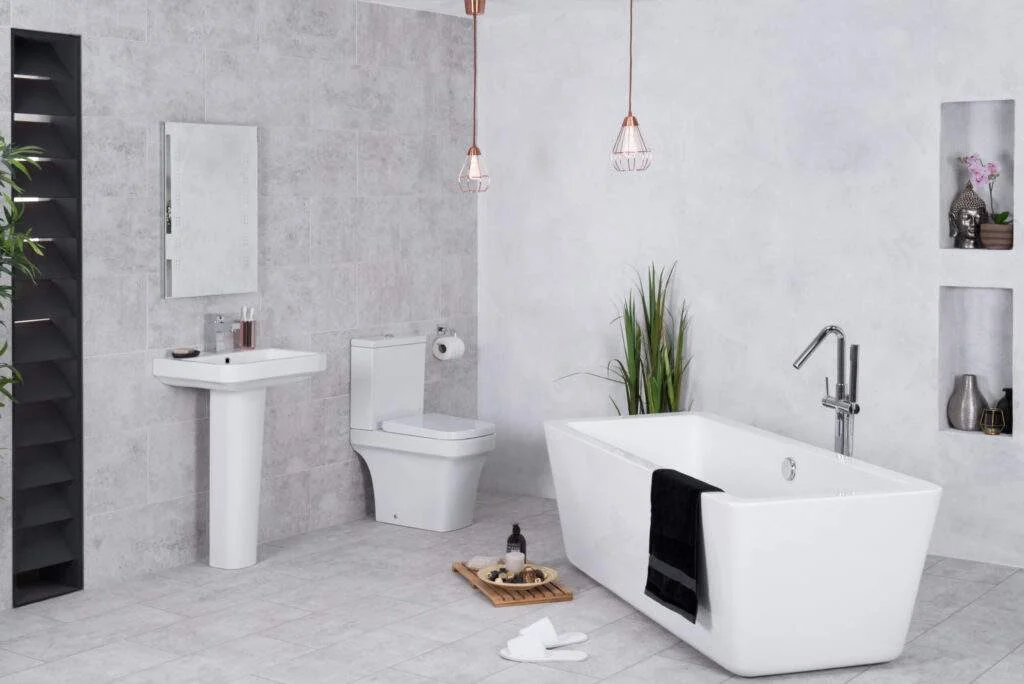
Once you’ve explored your options with visualization tools, you may want to dive deeper into current trends and creative ideas. For a curated look at the latest styles, this collection of bathroom floor ideas showcases everything from bold geometric tiles to subtle, spa-inspired neutrals.
Keep in mind that trends should be balanced with practical considerations like slip resistance, water resistance, and ease of cleaning. Many visualizer platforms include filters for these features, helping you find options that are both stylish and functional.
Frequently Asked Questions
Are bathroom floor visualizer tools free to use?
Most platforms are available at no cost and can be accessed directly through retailer or manufacturer websites. Some may require you to create an account to save your designs, but basic functionality is typically free.
Can I use my own bathroom photo in these tools?
Yes, many visualizers allow you to upload a photo of your space for a personalized preview. For best results, use a clear, well-lit image taken from a straight-on angle.
Do these tools help with installation planning?
While visualization tools are primarily for design inspiration, some platforms provide links to installation guides, product specs, or even connect you with local installers. For more on installation best practices, see the guide on how to avoid lippage in tile installation.
How do I choose the right tile size for my bathroom?
Many visualizers let you experiment with different tile sizes and layouts. For expert advice, check out the article on how to choose bathroom tile size to ensure your selection fits your space and style.
By leveraging the power of bathroom flooring visualizer tools, you can confidently explore, compare, and select the perfect floor for your bathroom renovation or update. These platforms streamline the decision-making process and help you achieve a look you’ll love for years to come.